WPBOOKPRO
Type your paragraph here
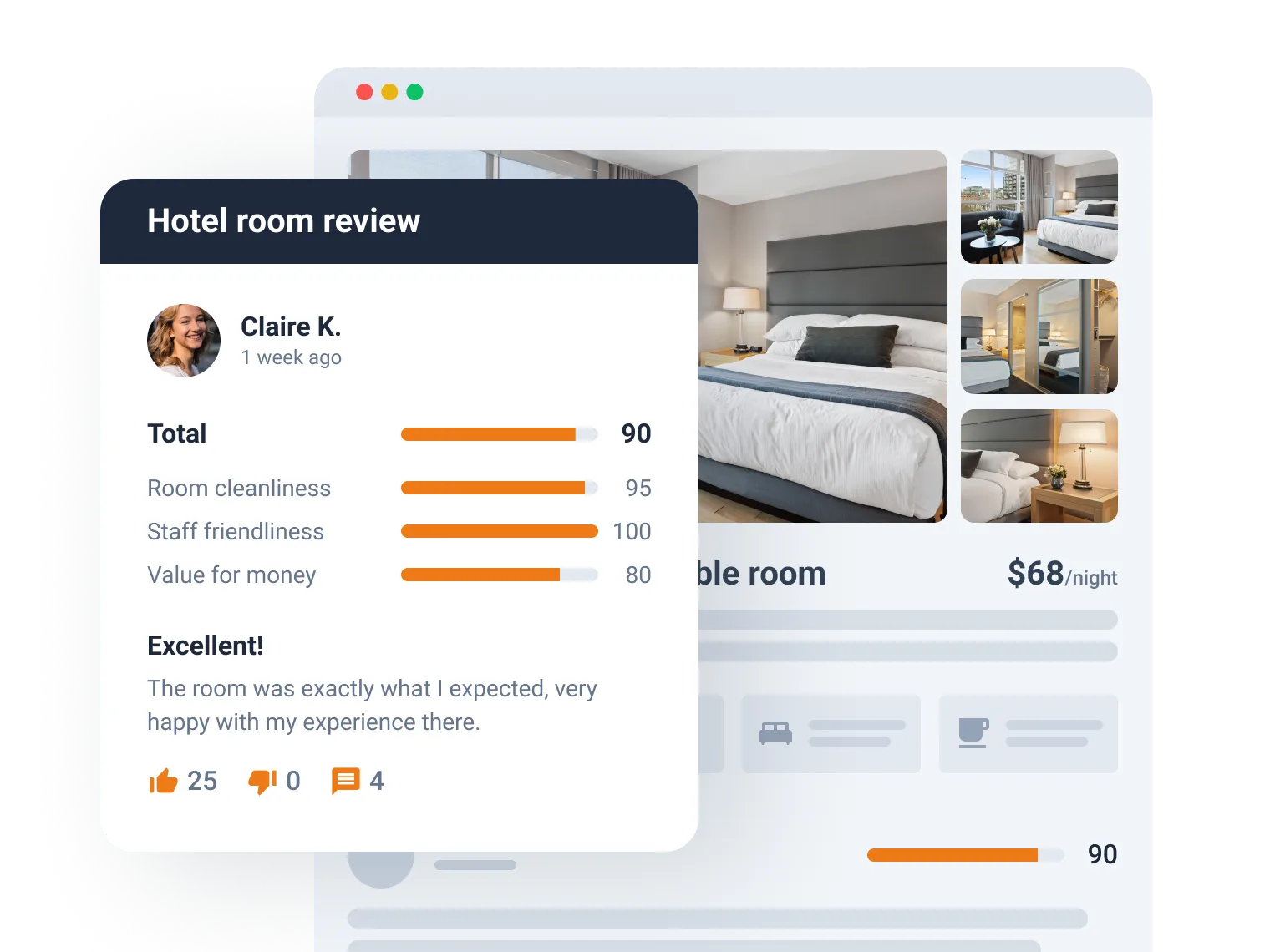
Create Custom Looks for Reviews, Comments, and Testimonials
Create a booking availability calendar
Add the availability calendar to booking forms to let the guests pick the desired date range.
Show dynamic rates for WooCommerce products
Add the availability calendar to booking forms to let the guests pick the desired date range.
Output client testimonials
Add the availability calendar to booking forms to let the guests pick the desired date range.
Implement booking cancellation
Include/exclude checkout day from the booking total
Let the host choose whether to include the last booked date in the total and calculate it per night/day.
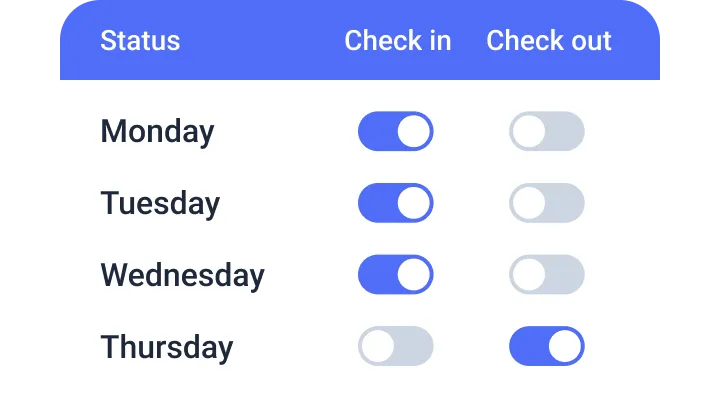
Set custom workdays, weekends, and holidays
Configure Dynamic Pricing Rates
for Advanced Booking Calculation
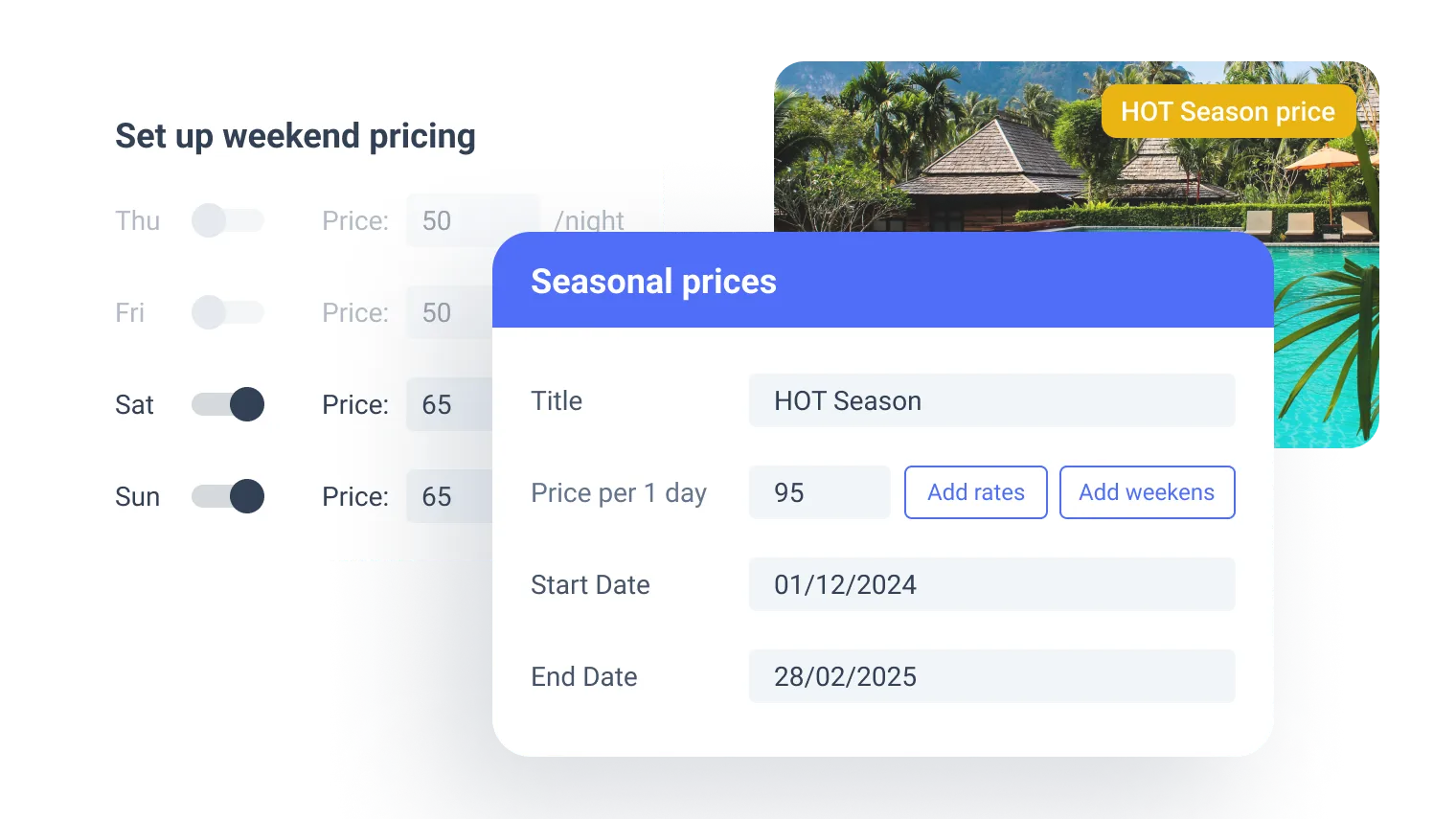
Seasonal and weekend prices
Price per day/night
Set a fixed price for the property, which can be booked daily/nightly.
Include/exclude checkout day from the booking total
Let the host choose whether to include the last booked date in the total and calculate it per night/day.
Set custom workdays, weekends, and holidays
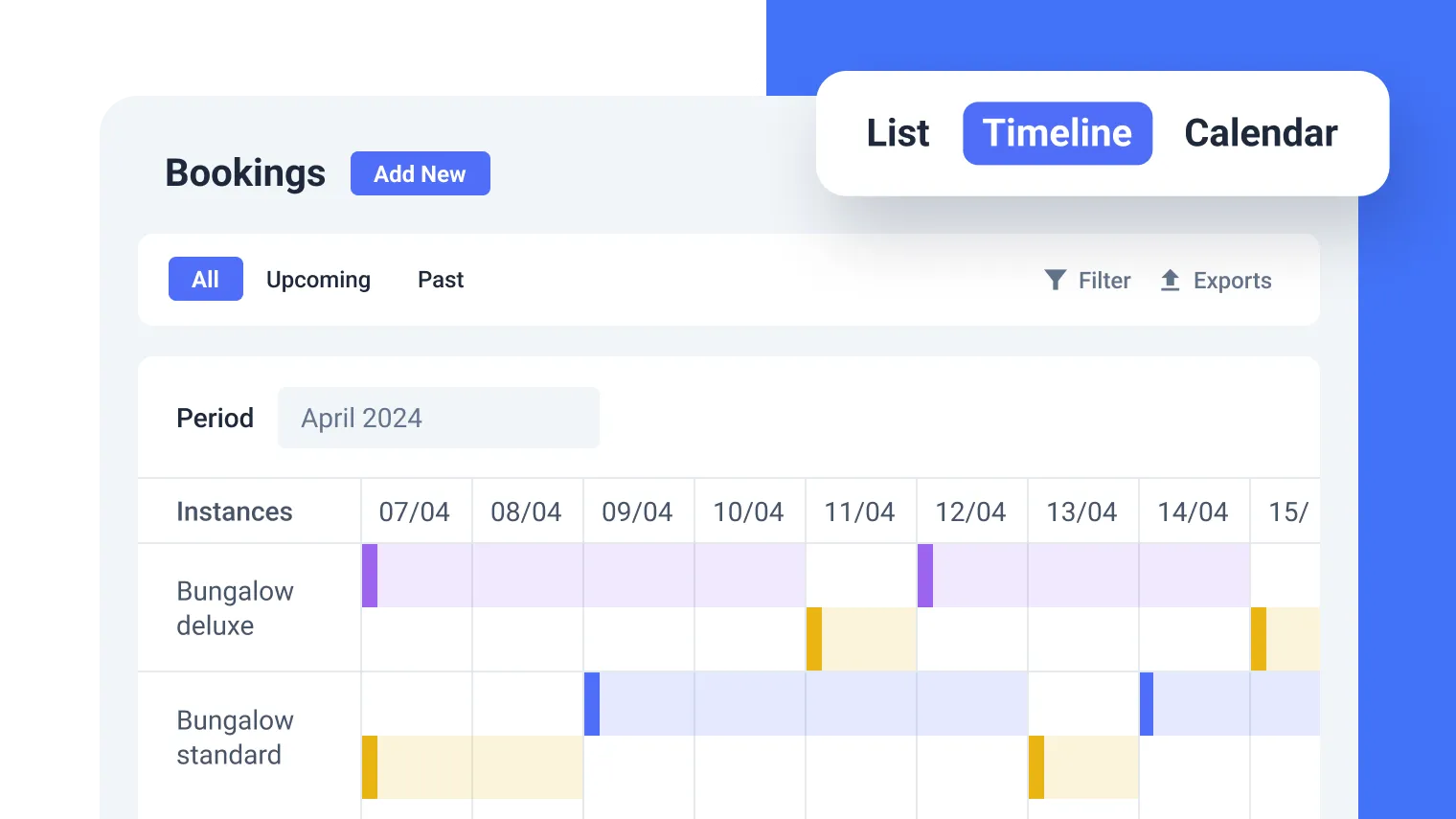
Benefit from Flexible Booking Management
Create a booking availability calendar
Add the availability calendar to booking forms to let the guests pick the desired date range.
Price per day/night
Set a fixed price for the property, which can be booked daily/nightly.
Include/exclude checkout day from the booking total
Let the host choose whether to include the last booked date in the total and calculate it per night/day.
Set custom workdays, weekends, and holidays
Explore the Property Management Features
Seasonal and weekend prices
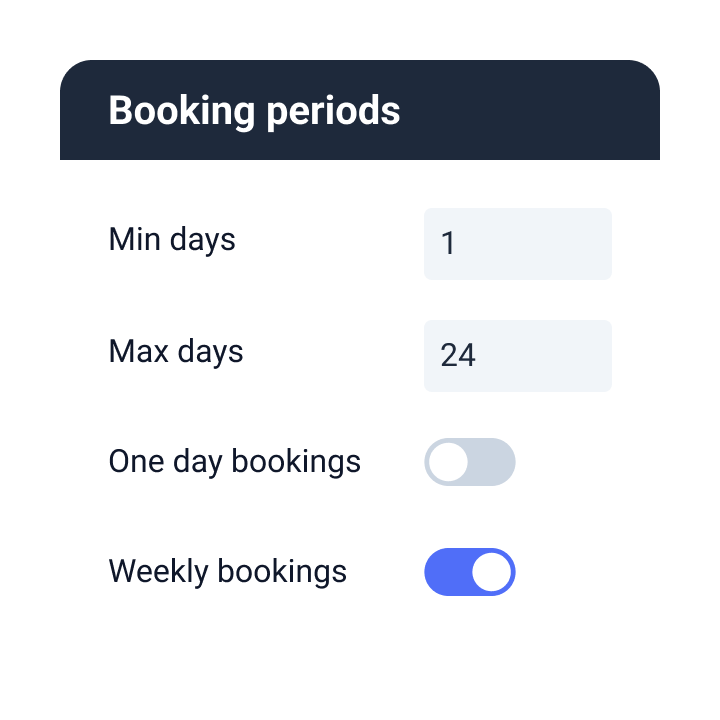
Configure the date picker
Set a minimum/
maximum booking duration
Add the availability calendar to booking forms to let the guests pick the desired date range.
Build the Booking Engine and Synchronize Bookings
Create a booking availability calendar
Add the availability calendar to booking forms to let the guests pick the desired date range.